 All updates
Crisp Contours add-on r0.1 | Free cartoon outlines for Sapixcraft Java 26.3
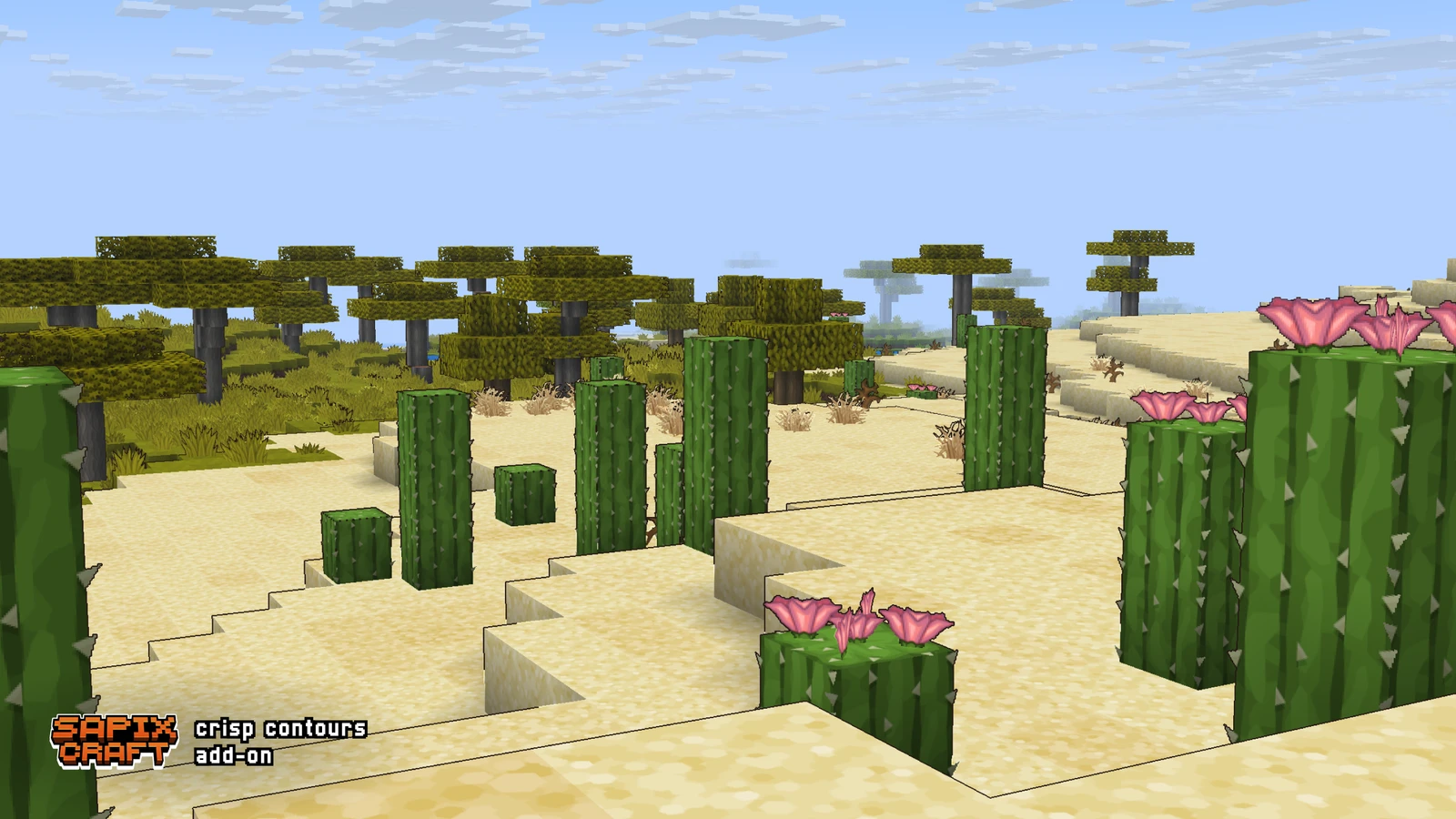
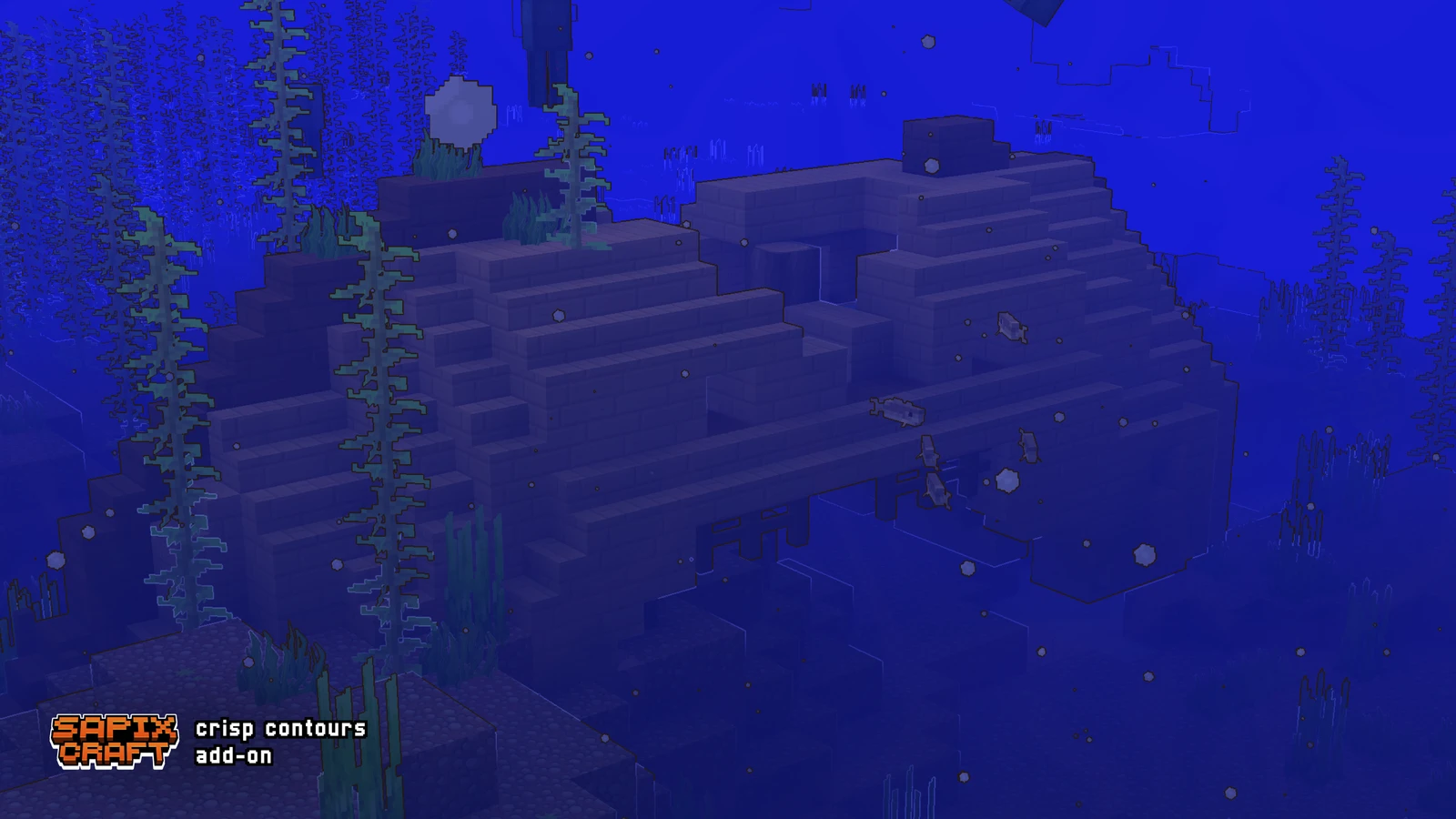
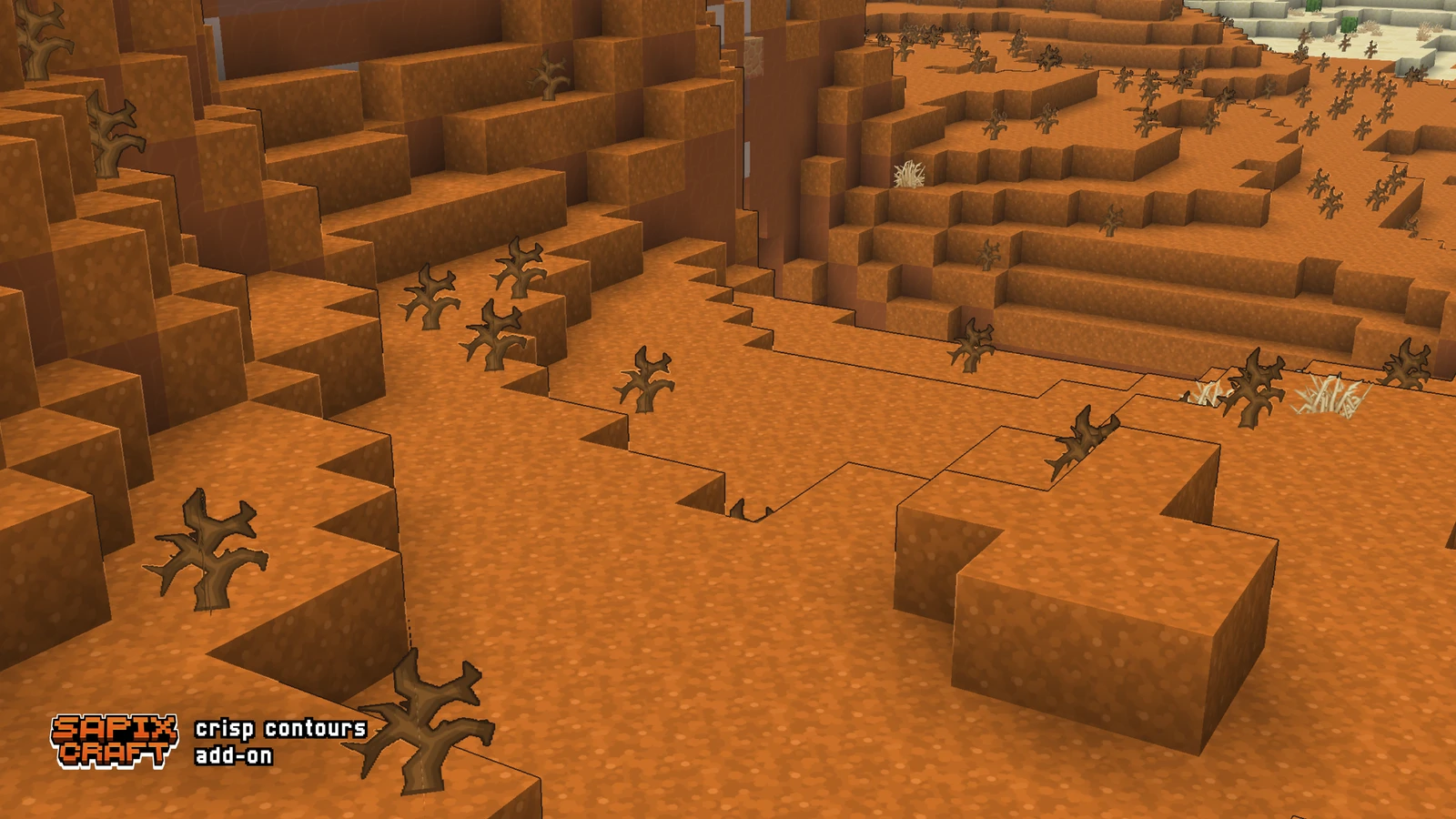
New - Cartoon outlines around blocks & entities via post-effect API
Crisp Contours add-on
Free cartoon outlines for Sapixcraft Java 26.3!
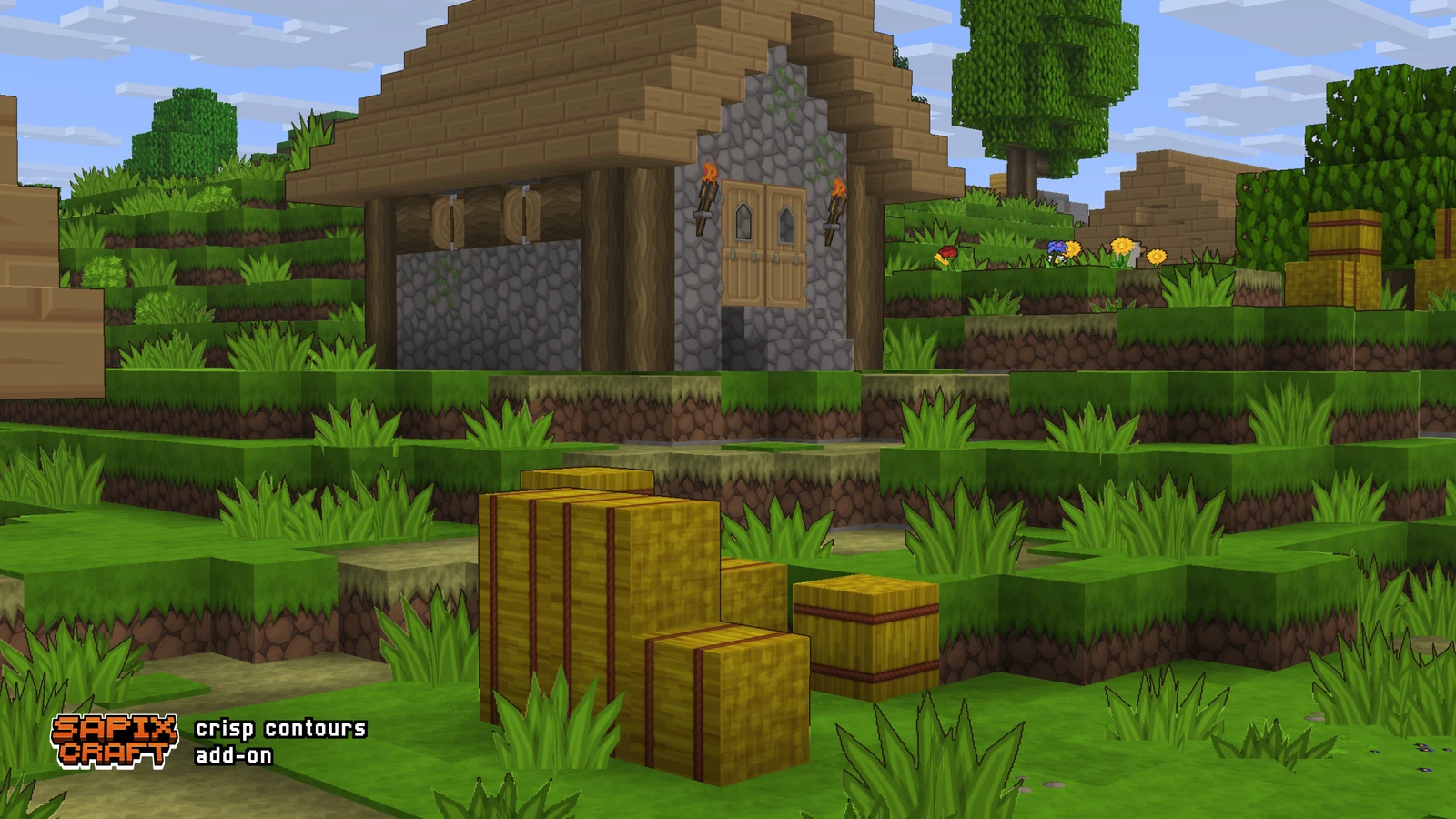
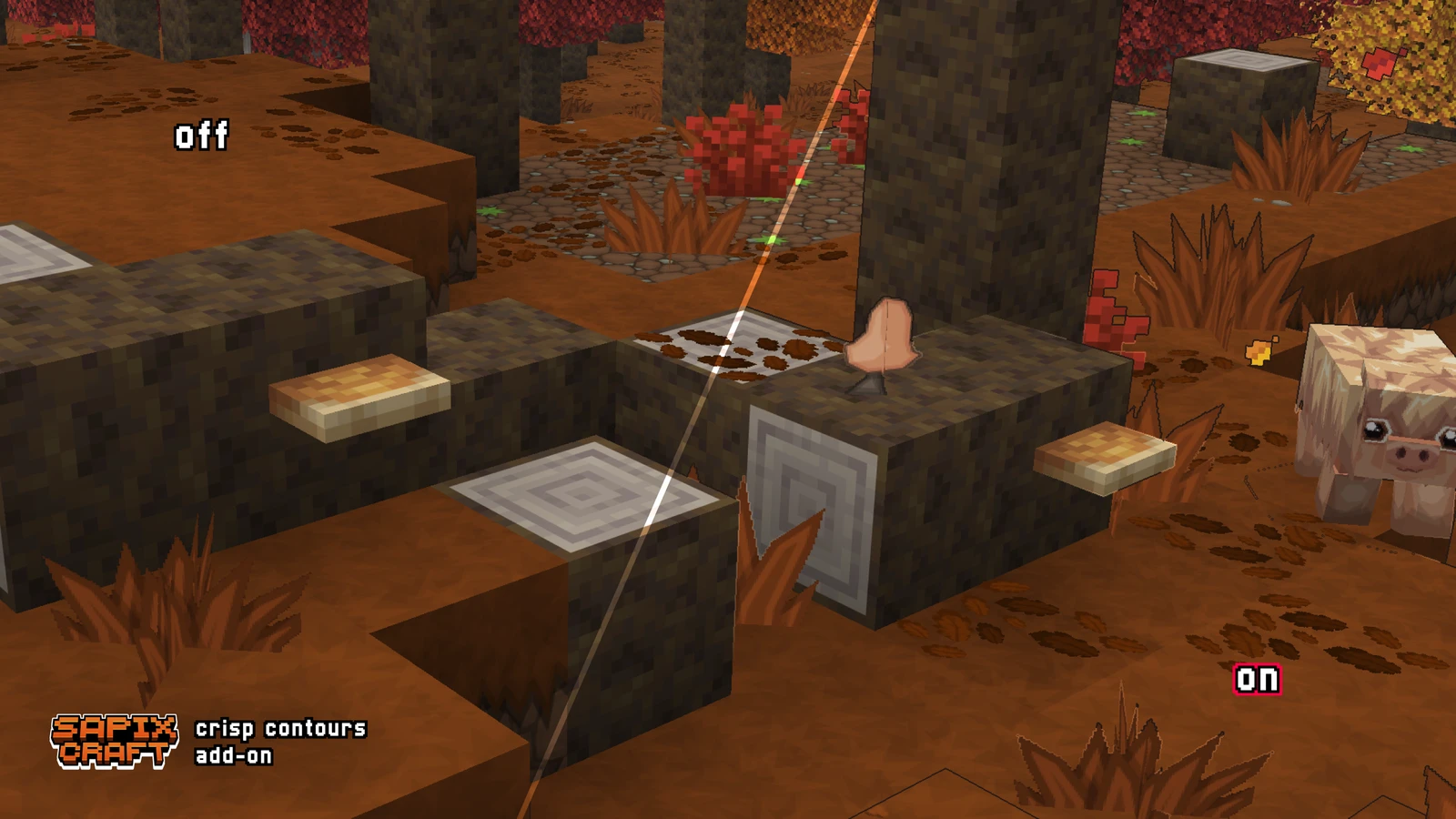
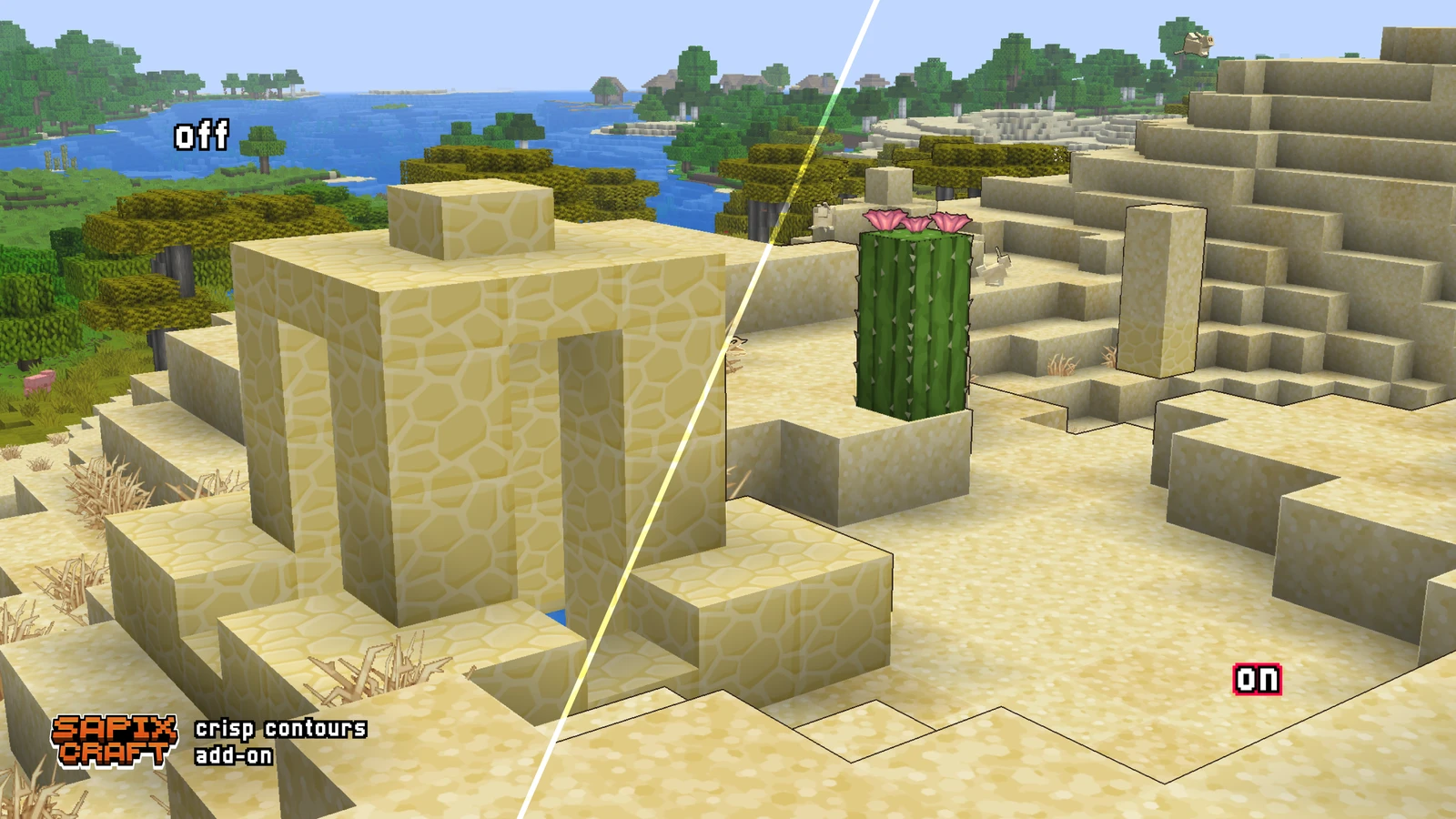
Crisp Contours adds warm charcoal ink lines around block and entity silhouettes in real time. Outlines follow depth edges via Minecraft's post-effect API — not baked into textures.
Stack the add-on above Sapixcraft, turn on Fabulous graphics, and you're set — no commands needed.
📗 Changelog
✨ New — initial release
First public release of Crisp Contours add-on for Sapixcraft Java.
🎲 General
- Crisp Contours add-on — warm charcoal cartoon outlines around blocks and entities
- Depth-based screen-space post effect (not baked into textures)
- Applies automatically via
end_of_frame— no command needed - Variable outline weight on strong silhouettes
- Subtle inner rim highlight on edges
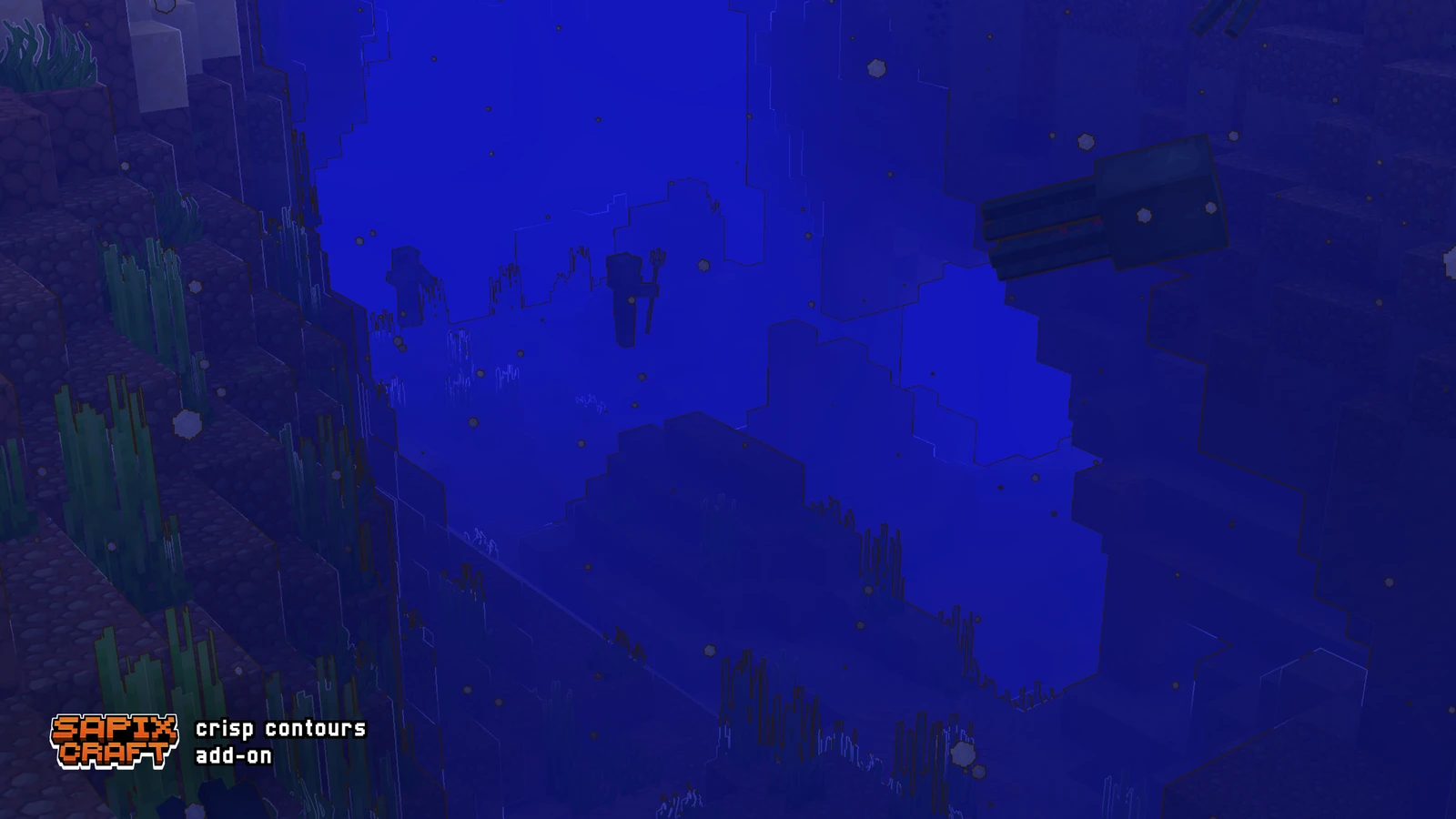
- Best-effort outline assist for submerged blocks when viewed from above water
- Horizon / far-terrain culling to avoid distant black-out
- Custom
pack.pngand in-game pack title
⚡ Custom Features
👤 Entities
- Silhouette outlines on entities
🧊 Blocks
- Silhouette outlines on block edges and corners
🎲 General
- Post-effect shader:
sapixcraft:post/crisp_contours
📋 Requirements
- Java Edition 26.3 snapshot (pack format 93)
- Fabulous graphics
- Main Sapixcraft pack enabled; add-on above main pack in resource pack list
⚠️ Known limitations
- Depth-only — does not outline texture detail on flat block faces
- Submerged blocks from above water are best-effort only
- Post-effect API is snapshot-only and may change in future Mojang updates
- Always-on when enabled — remove pack to disable
❔ How to use
- Install Sapixcraft and the Crisp Contours add-on
- Move Crisp Contours above Sapixcraft in the resource pack list
- Video Settings → Graphics → Fabulous
- Outlines apply automatically (F3+T if needed)