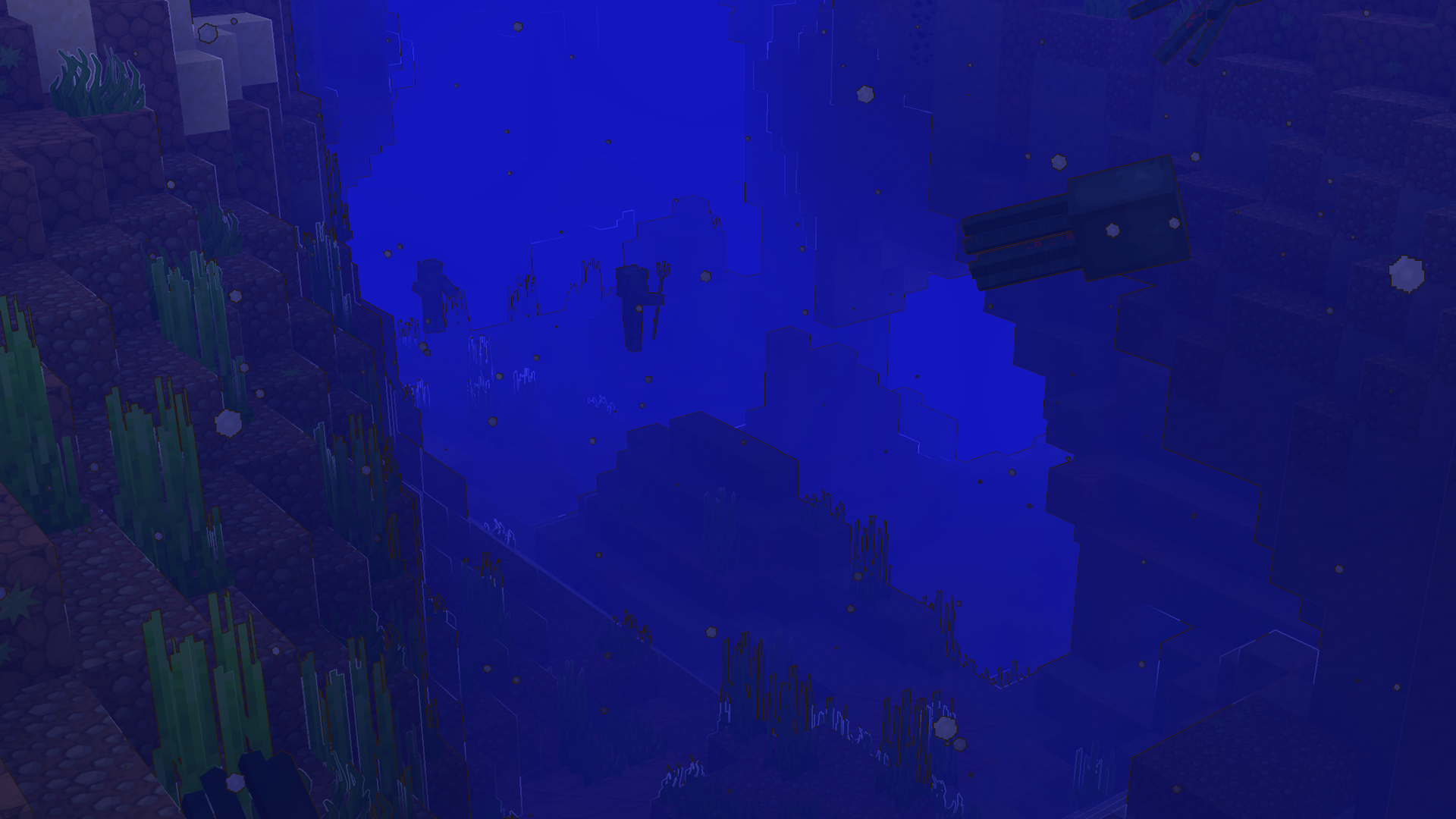


 java add-on
Crisp Contours add-on
Crisp Contours adds cartoon outlines to Sapixcraft
Warm charcoal cartoon outlines around blocks and entities
The Crisp Contours add-on adds warm charcoal ink lines around block and entity silhouettes in real time. Outlines follow depth edges via Minecraft's post-effect API — not baked into textures.
Stack this add-on above Sapixcraft, turn on Fabulous graphics, and outlines apply automatically. No commands needed.
Supported Minecraft versions26.3
Crisp Contours Highlights
A glimpse at what Crisp Contours brings to your world
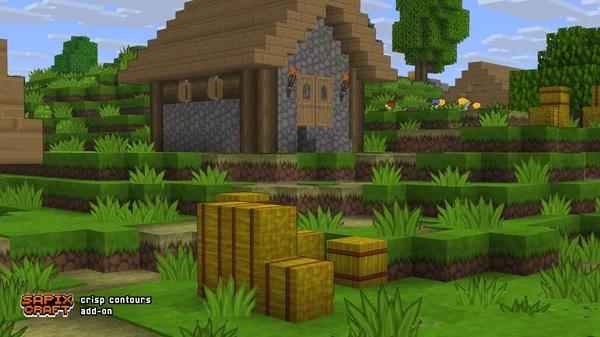
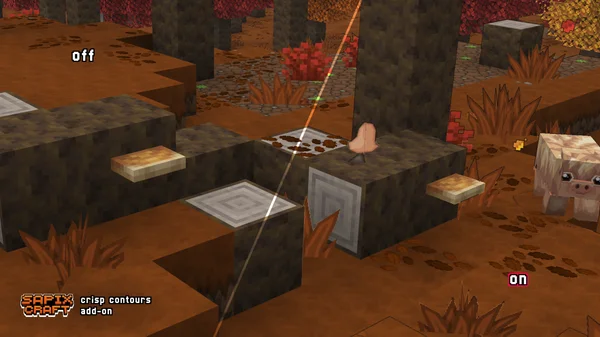
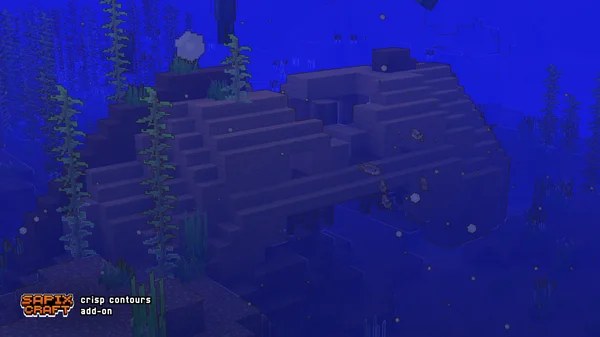
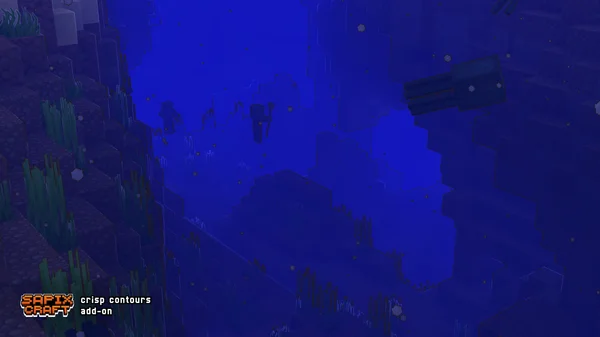
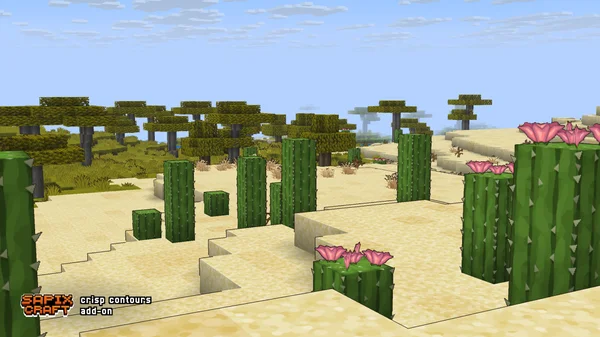
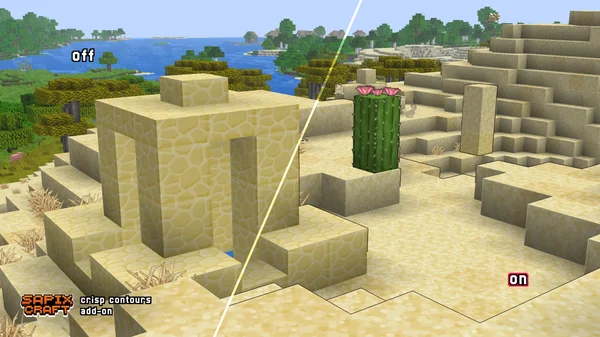
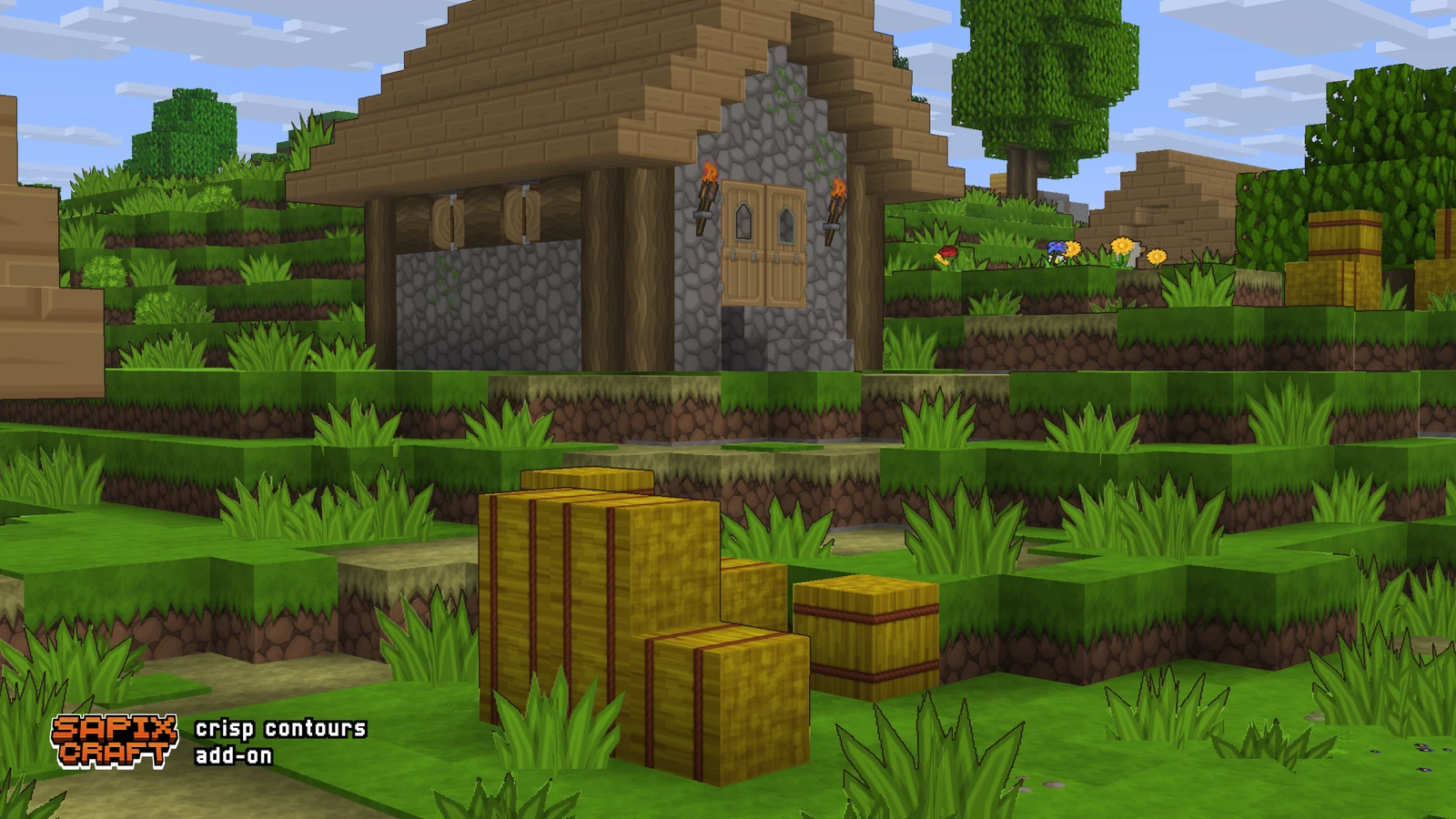
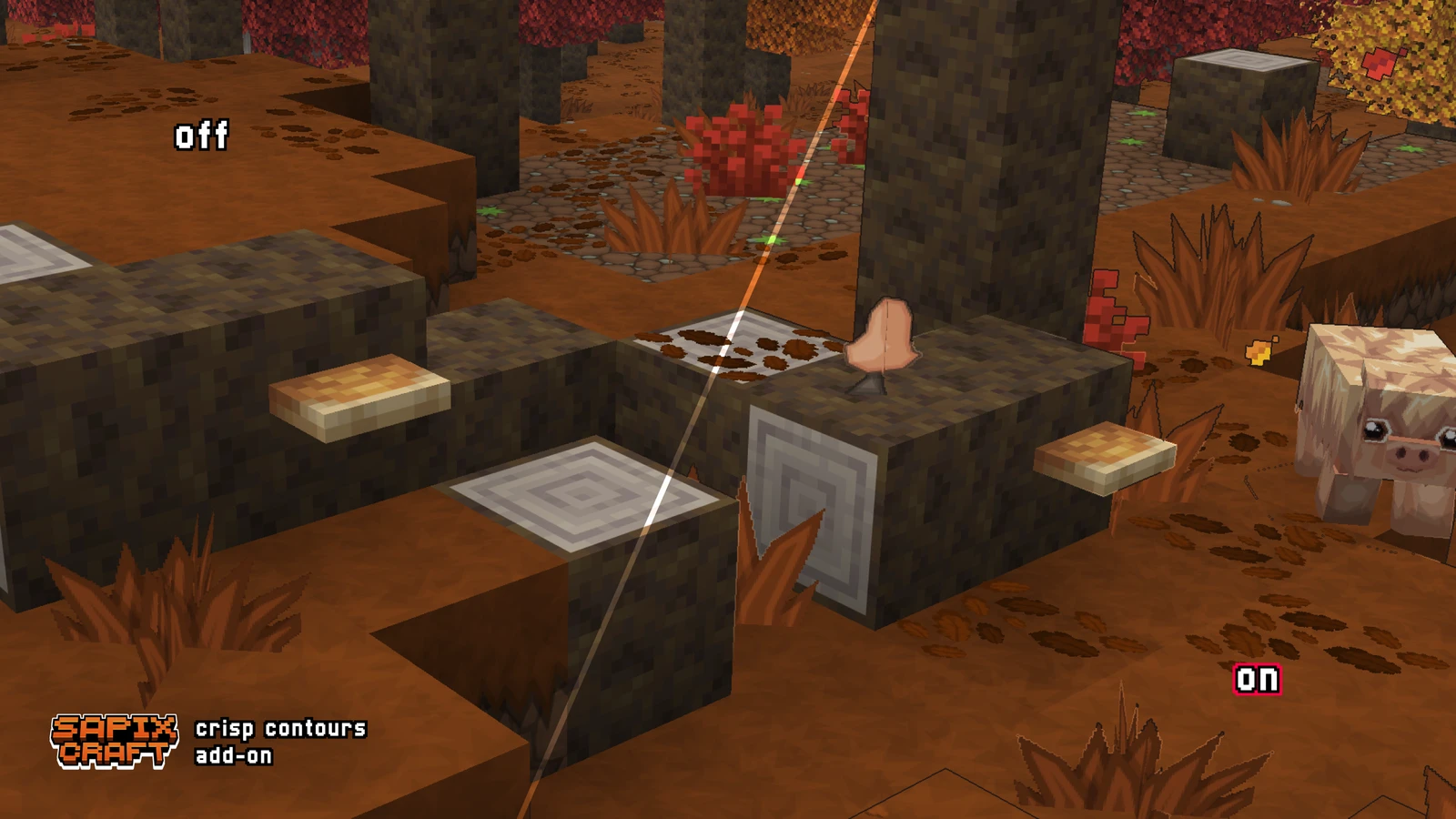
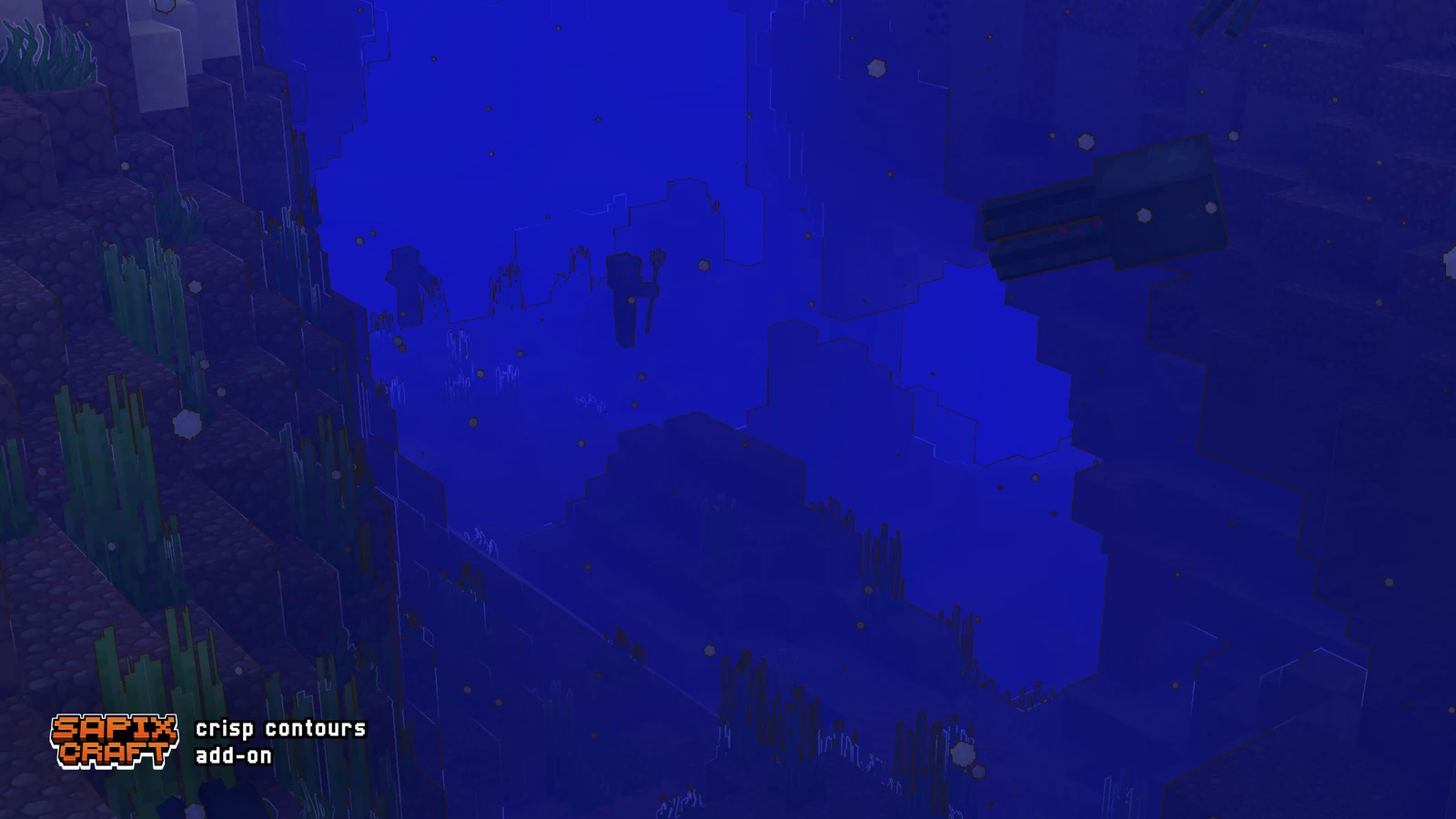
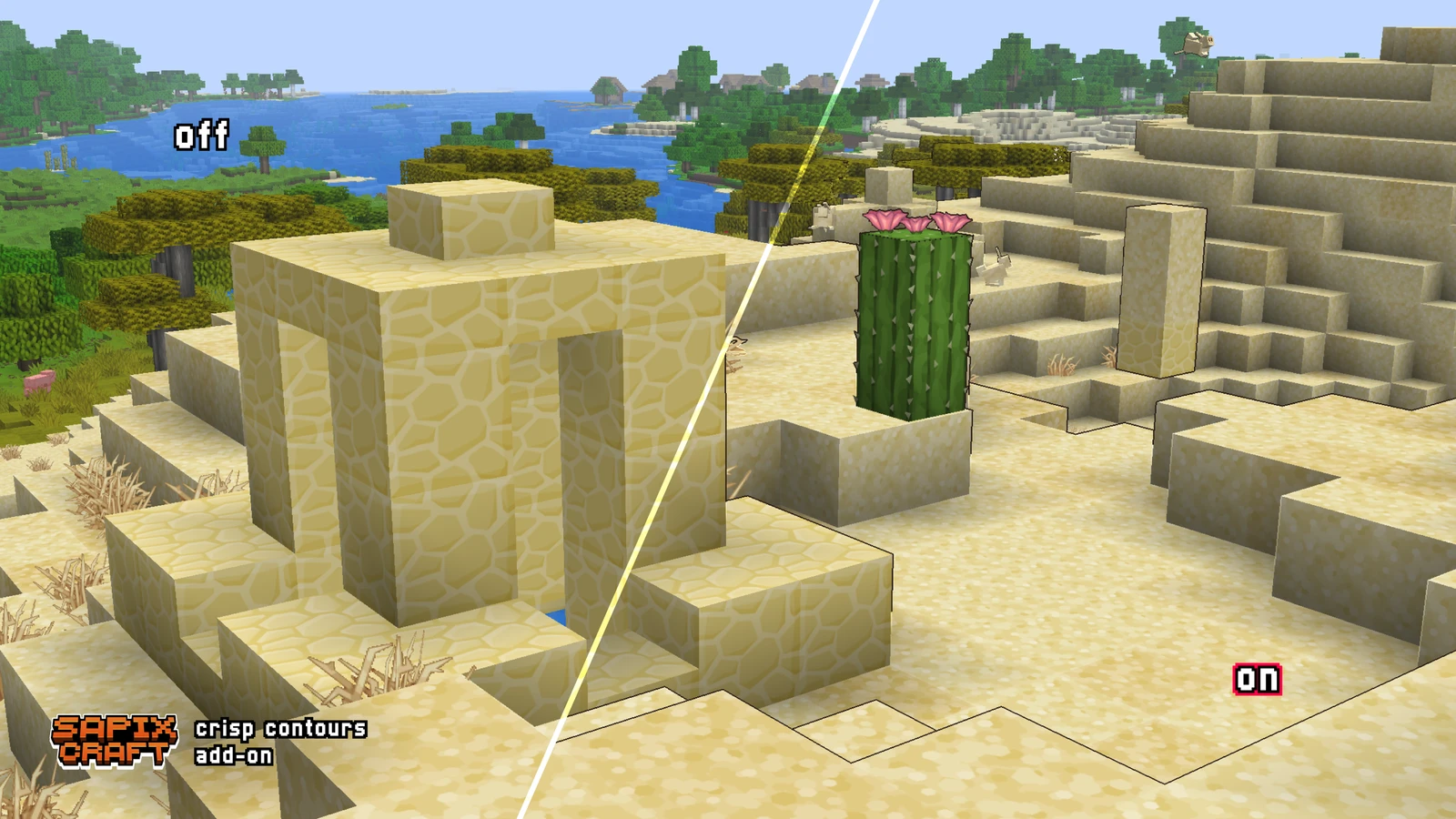
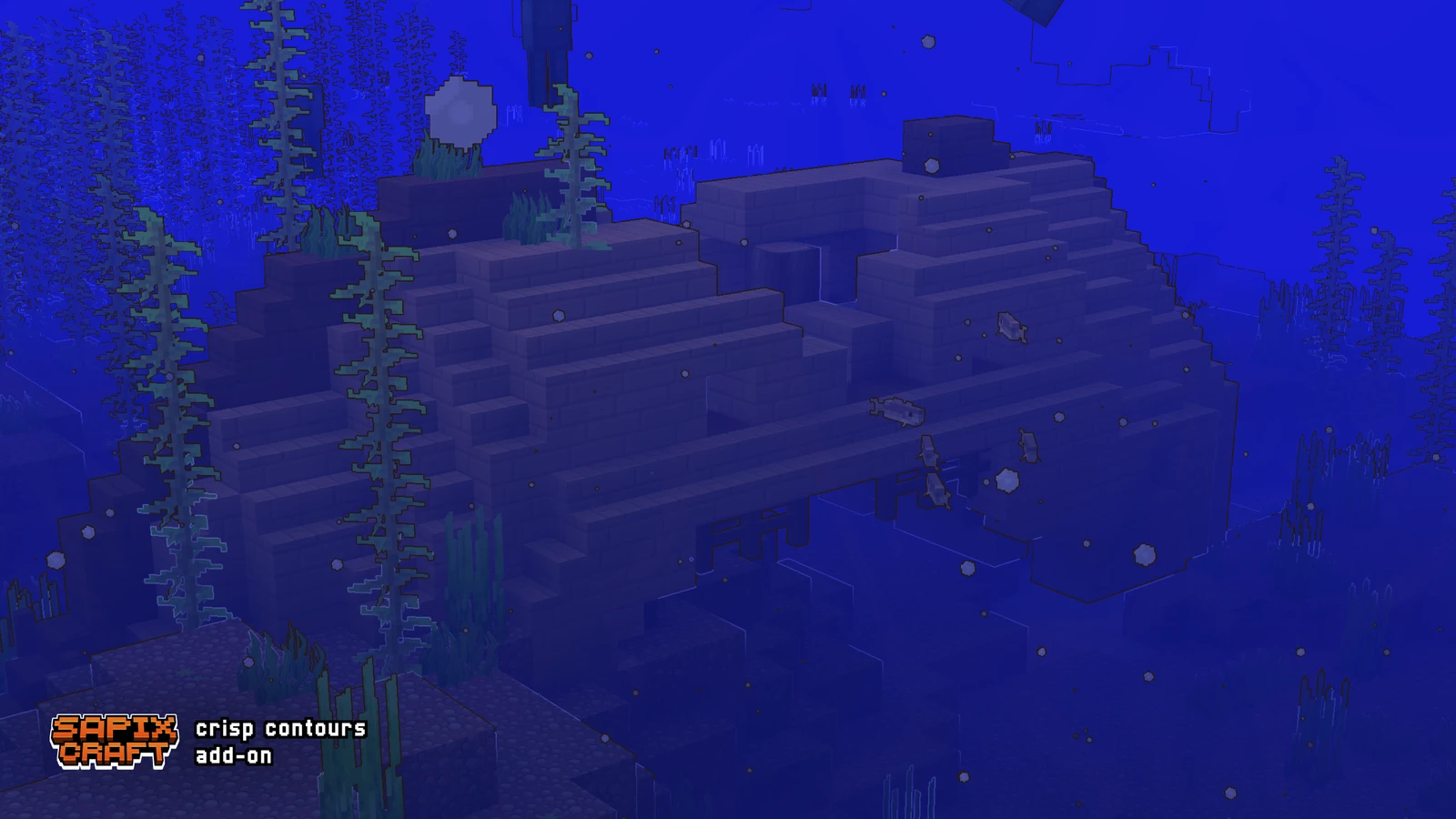
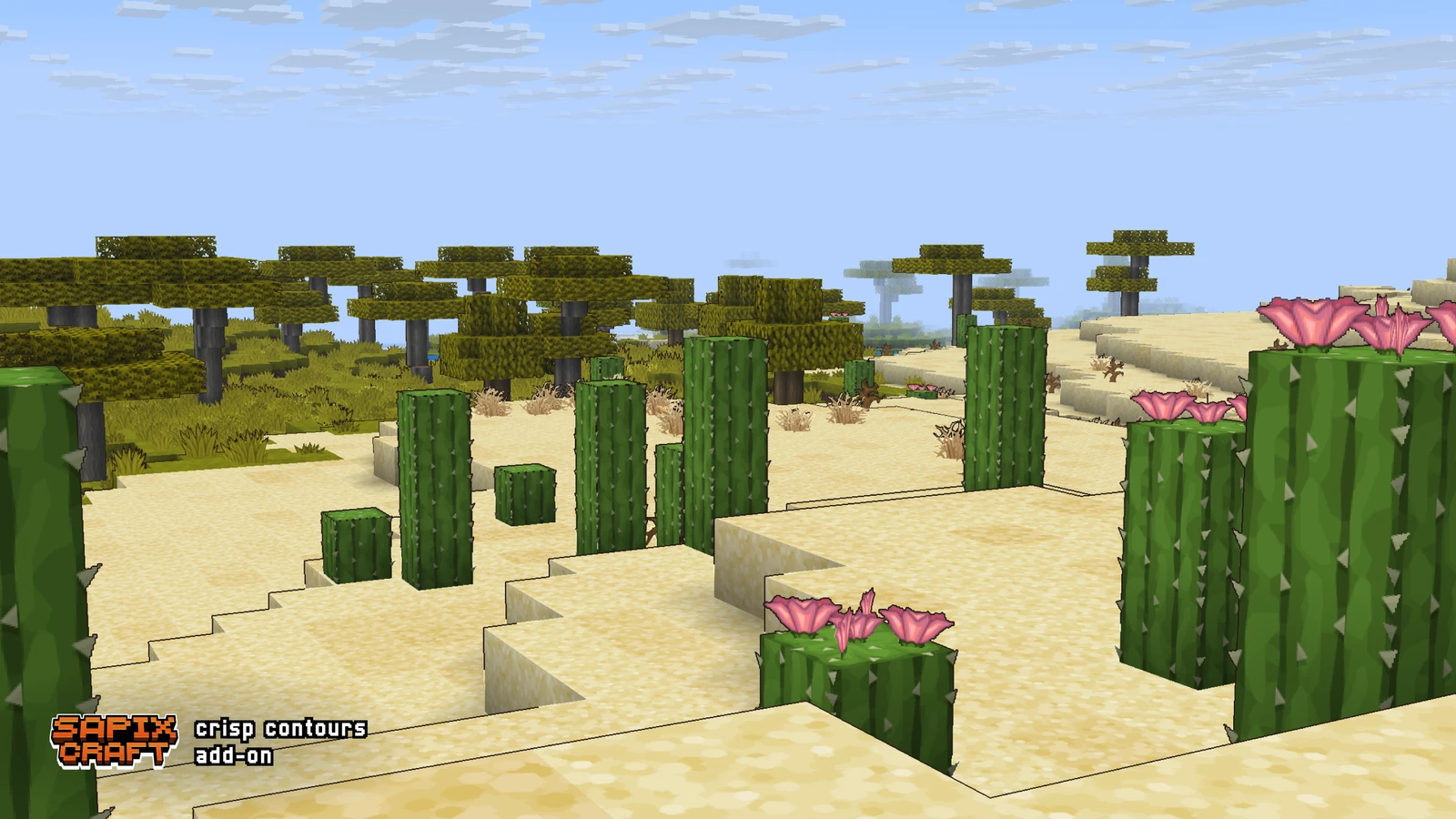
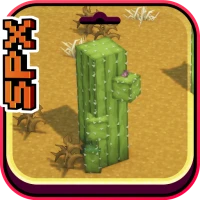
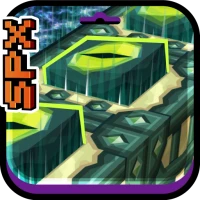
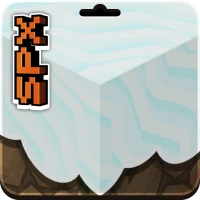
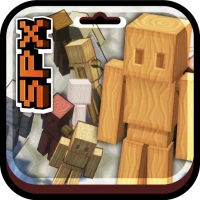
Preview the Crisp Contours add-on
See what Minecraft looks like with Crisp Contours enabled
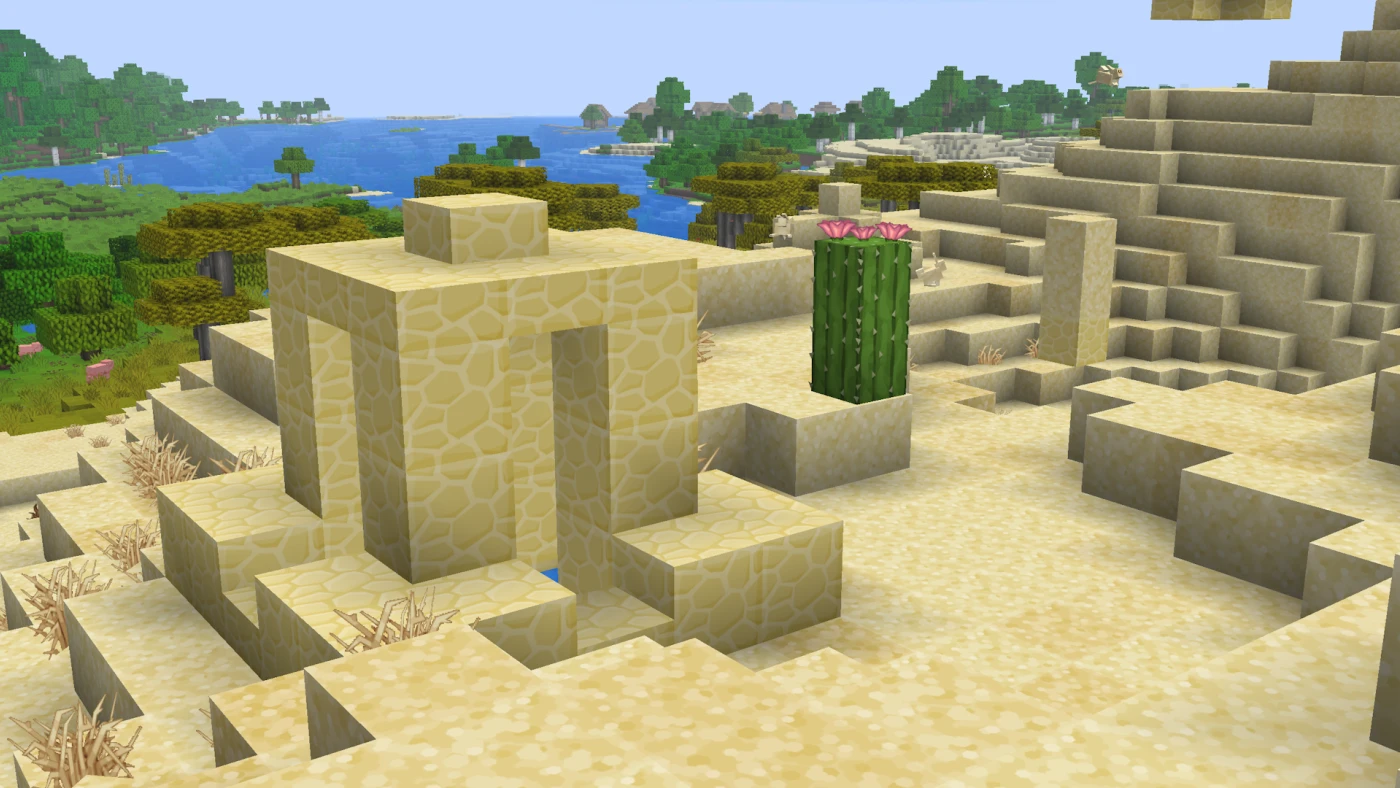
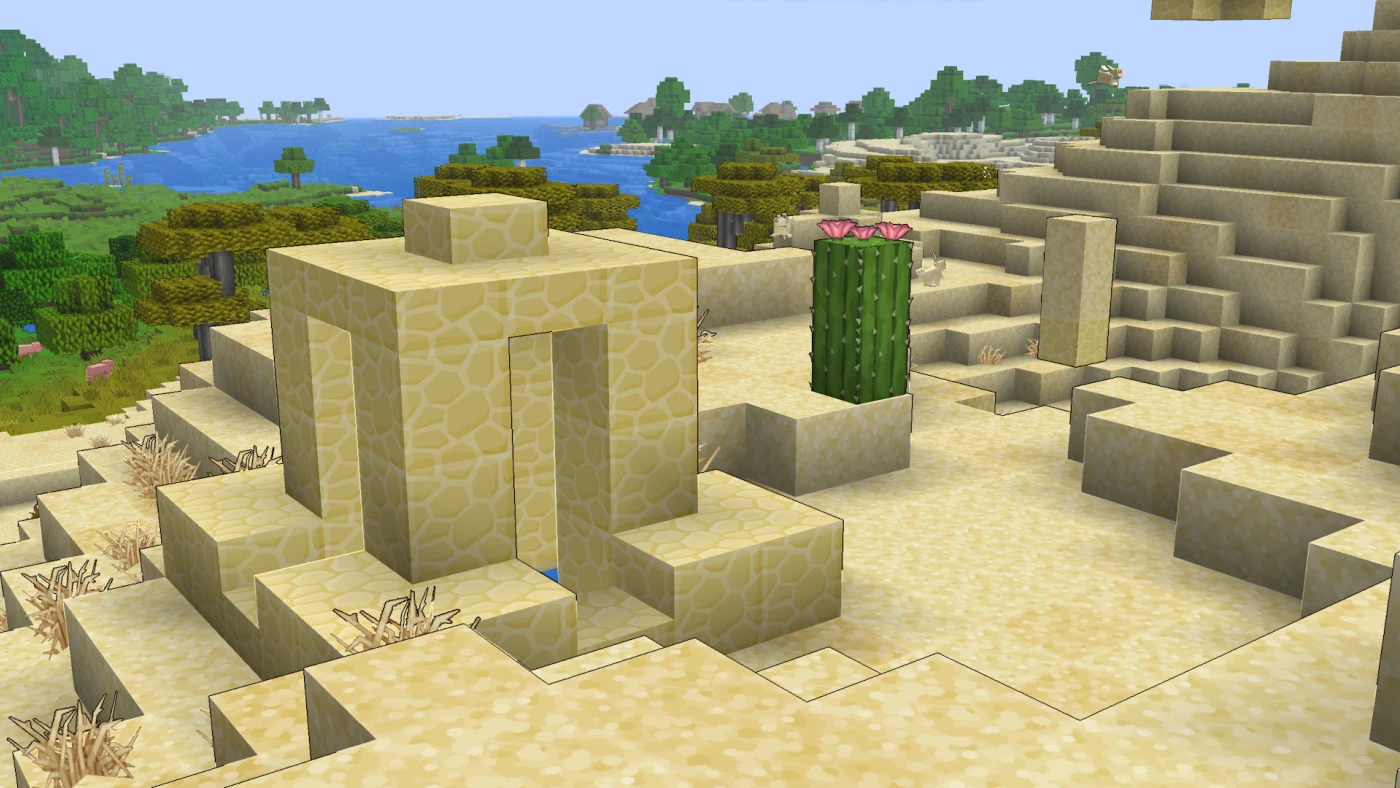
Crisp Contours Updates
Changelog posts for this add-on — download files are in the section below.
see all updates
Using Crisp Contours
Requirements:
Java Edition **26.3** snapshots (pack format 93), **Fabulous** graphics, and the main Sapixcraft pack enabled.
Setup:
Enable Sapixcraft, then enable Crisp Contours and move it **above** the main pack in your resource pack list. Press F3+T to reload if needed.
Notes:
Depth-only outlines — flat texture detail is not outlined. The post-effect API is snapshot-only and may change in future Mojang updates. Remove the pack to disable.
Download Crisp Contours add-on
Choose Minecraft Java Edition version.
- 26.3
Other add-ons
Explore other add-ons for Minecraft Java Edition
discover all add-ons